

[EDITOR’S NOTE: In October 2026, the Treasury Department said it opened more than 60 million 530A accounts for children in the US. As noted by The Hill, parents who hadn’t already opened an account “will need to claim the account before contributions can be made. To do so, according to the Treasury Department, you’ll need to download the Trump Accounts app, which is available for iOS and Android devices. There, you will have to verify your identity and relationship to the child, review their information, and accept account terms.”]
I recently opened 530A (Trump) accounts for each of my two minor children. For the 17-year-old, we can only do one annual $5,000 contribution. For the 11-year-old, I figure we can do seven of them. We plan to convert them to Roth accounts at some point in their 20s (or maybe as early as next year for the older one), preferably after they are no longer our tax dependents (so they won’t owe kiddie tax on the conversions) but before they are in a very high tax bracket themselves.
Both of them are too old to get the $1,000 “baby bonus” from the federal government for babies born between 2025-2028.
The process was interesting although not particularly difficult. I managed to do it on my phone—which, in fact, appears to be the only way you CAN do it. I took a few screenshots, but taking a screenshot of EVERY single screen was just too impractical. Most of the screens included identifiable information I would have to blank out, and, frankly, the process was so easy I don’t think you’ll need quite that much information to do it yourself.
This post is just the step-by-step guide to opening the account. If you’re not sure if you want to do 530A accounts, read this post first. Not sure which account to use to give money to your child? Read this post.
Step-by-Step Guide to Opening a 530A (Trump) Account
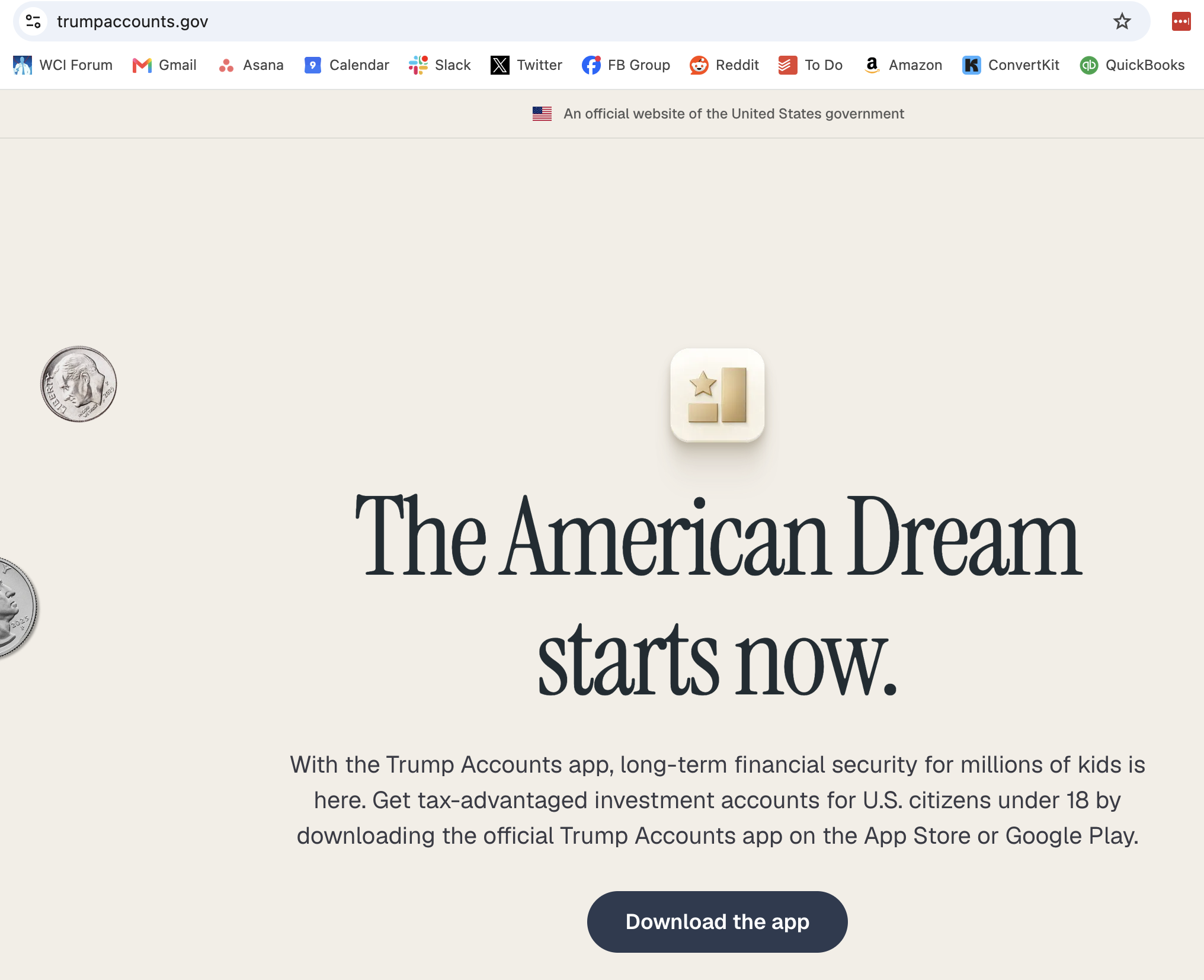
The first thing you’ll notice if you go to the Trump Accounts website is that it gives you some information and then tells you to download the app.
If you click that button on your laptop, it’ll show you a QR code you can use on your phone.
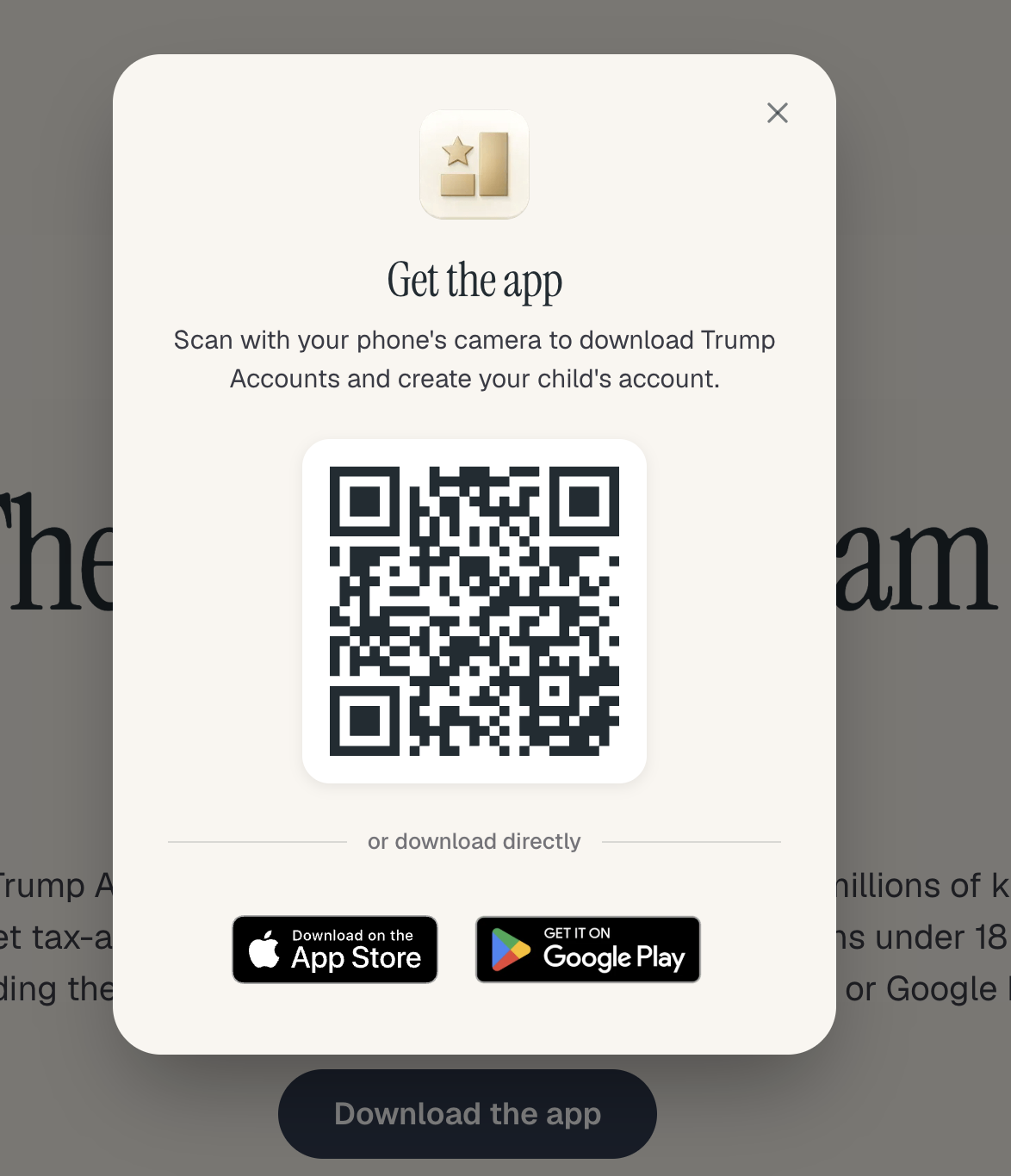
But either way, you do this on your phone. Note that not every screen in this process will be seen in this post and that several times during the process, it paused. I went on to do something else and came back a few minutes later to continue. How long those pauses actually were is hard to tell. Only once did I have to use the back button.
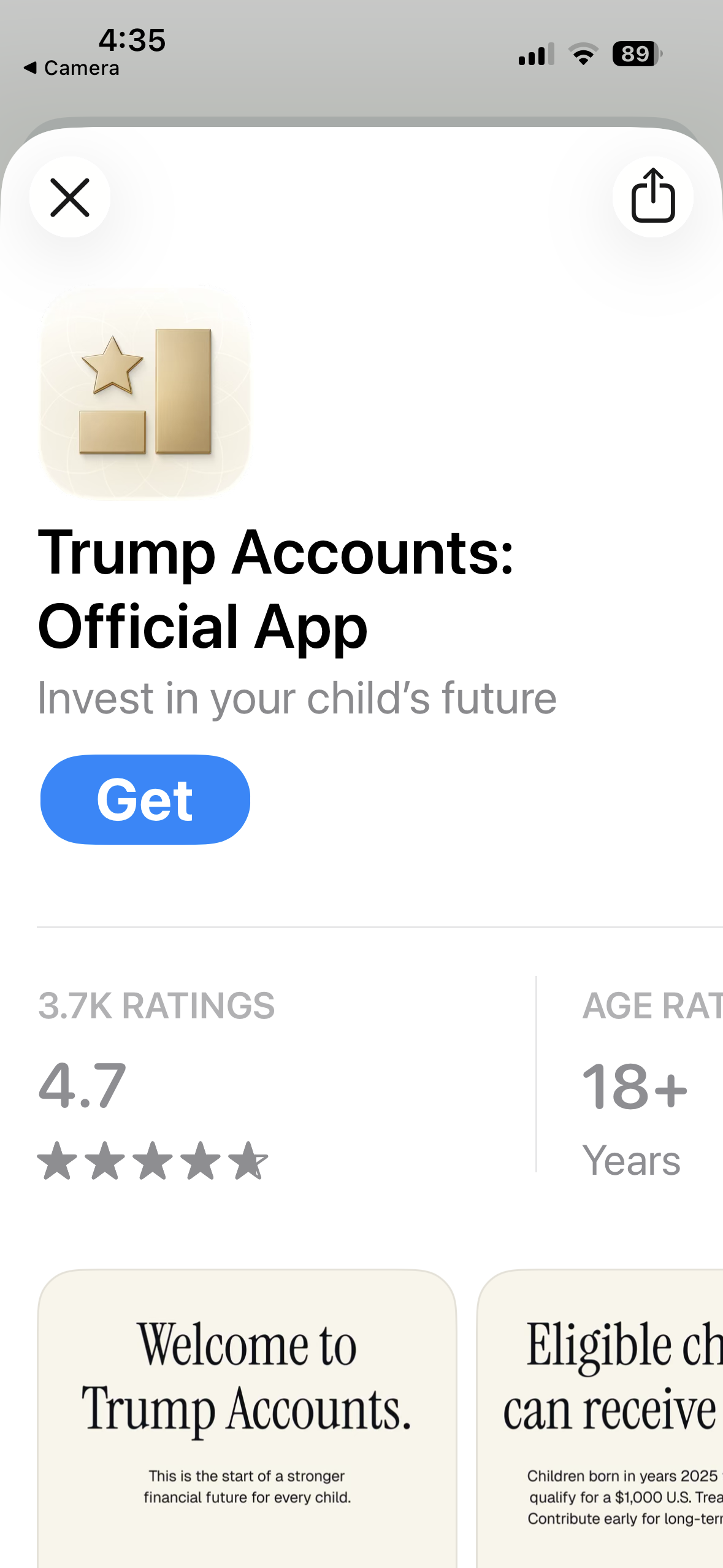
Hit the “Get” button to download the app.
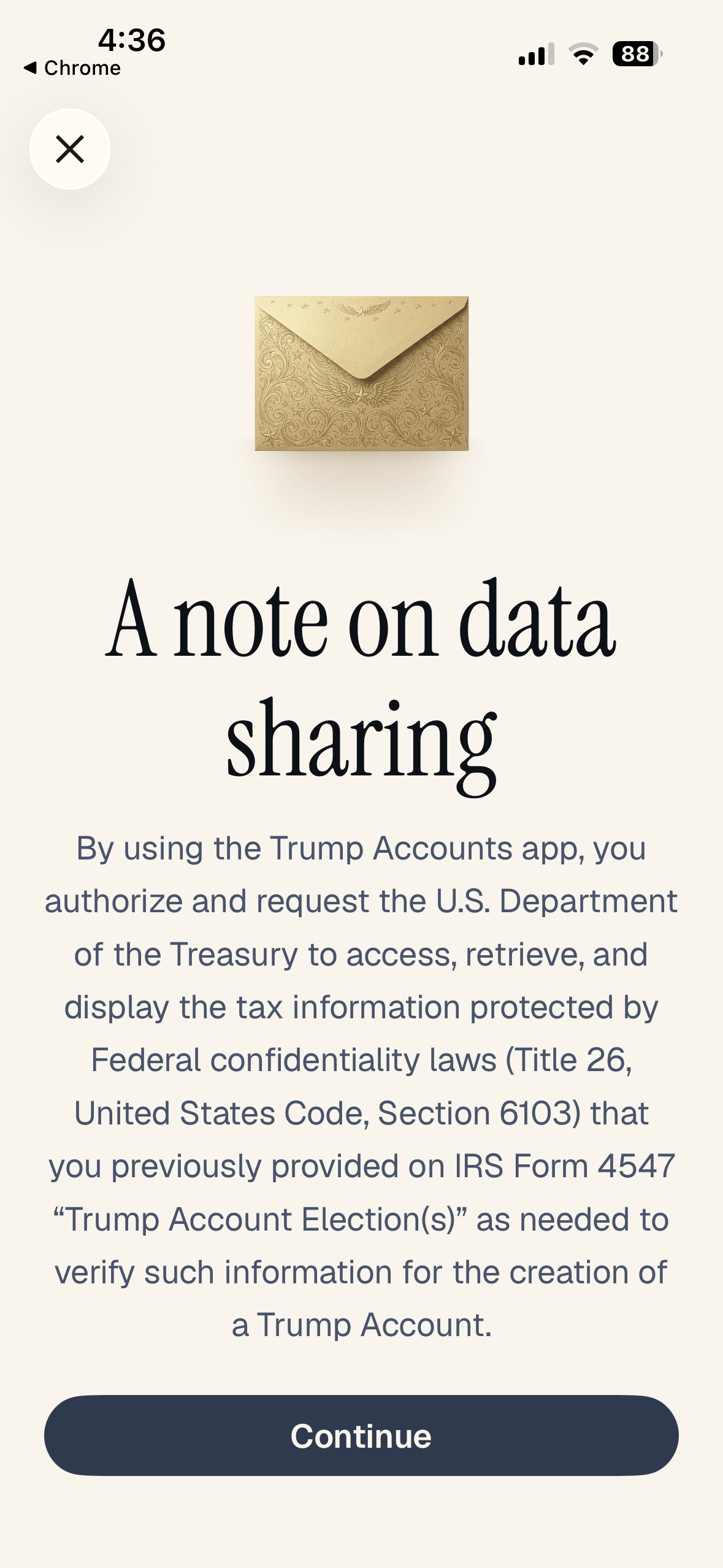
Hit “Continue.”
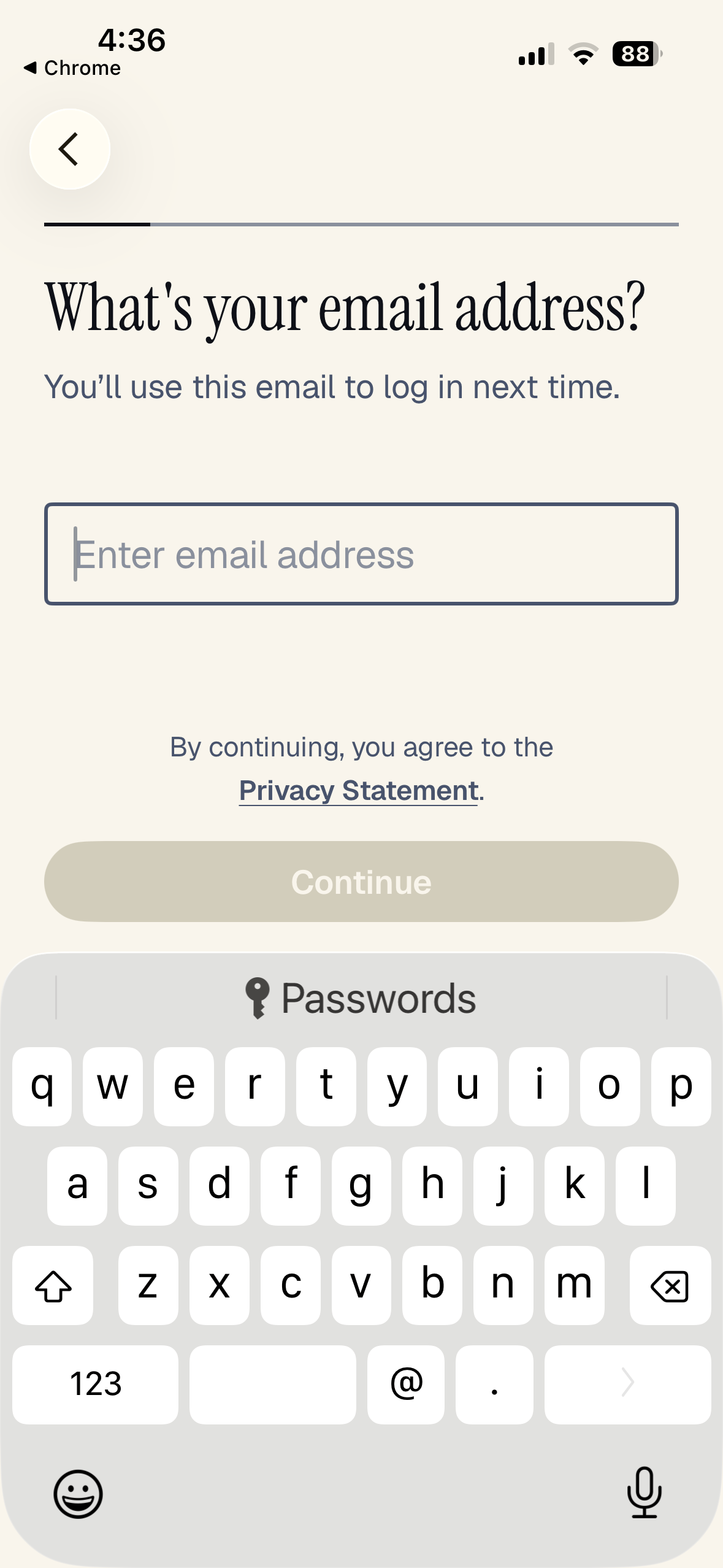
Enter your email address.
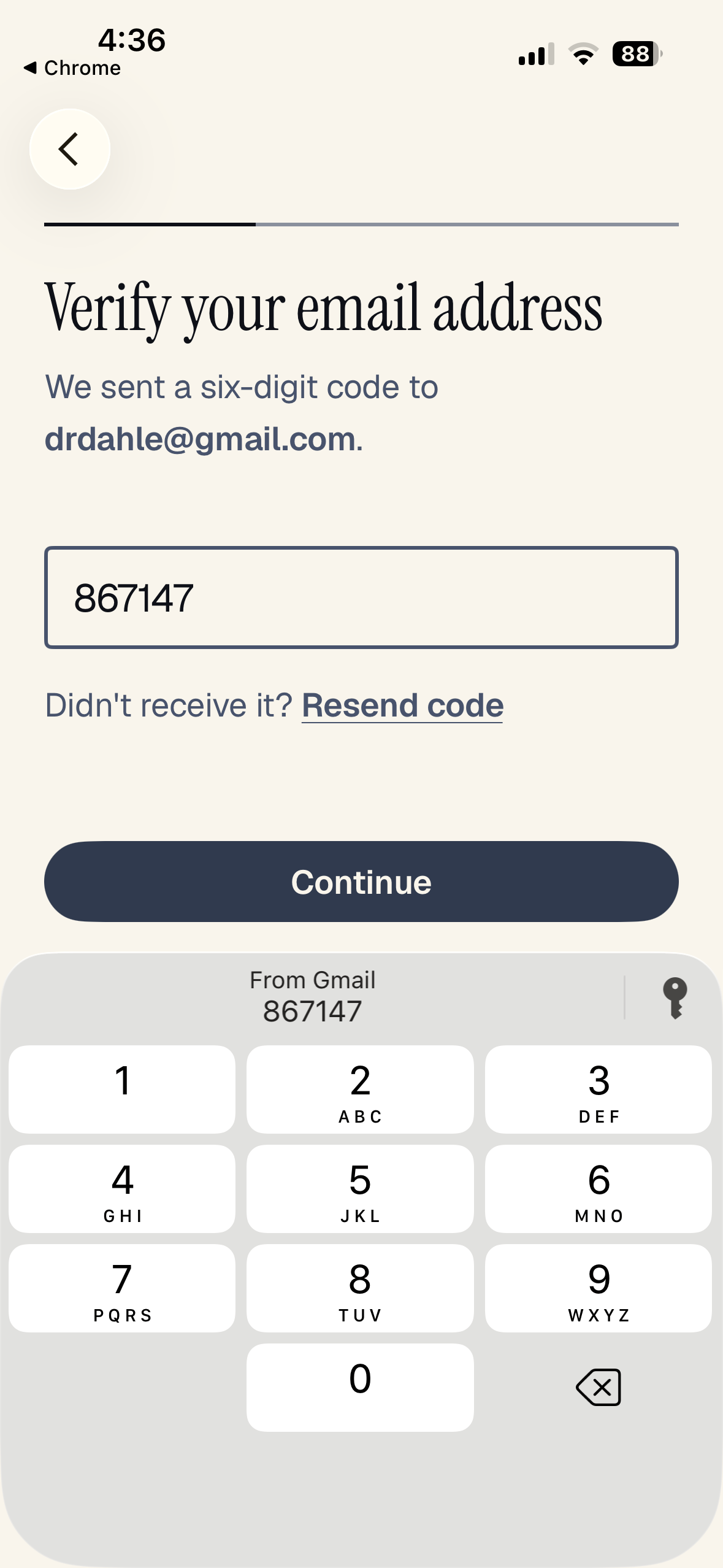
Verify your email address.
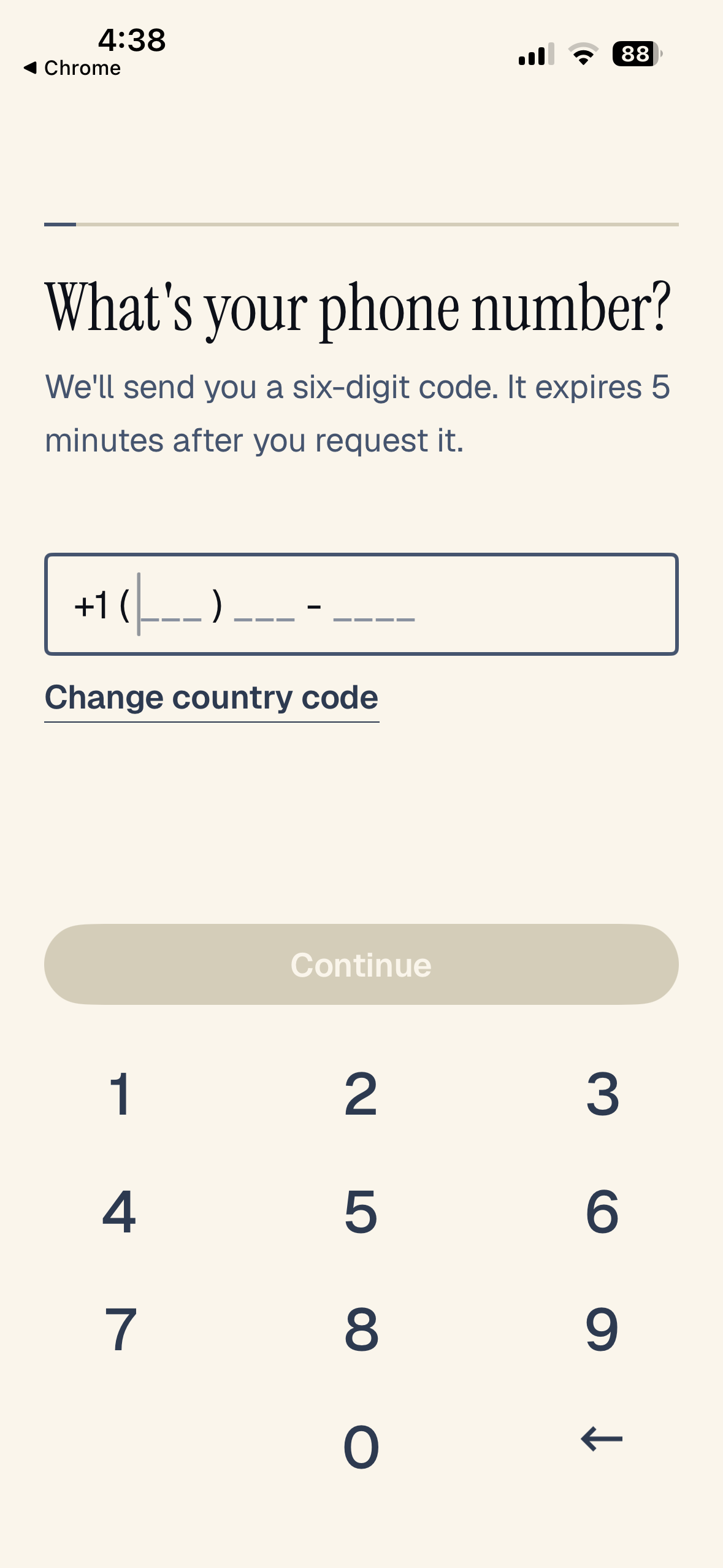
Enter your phone number. See what I mean? Pretty straightforward so far.
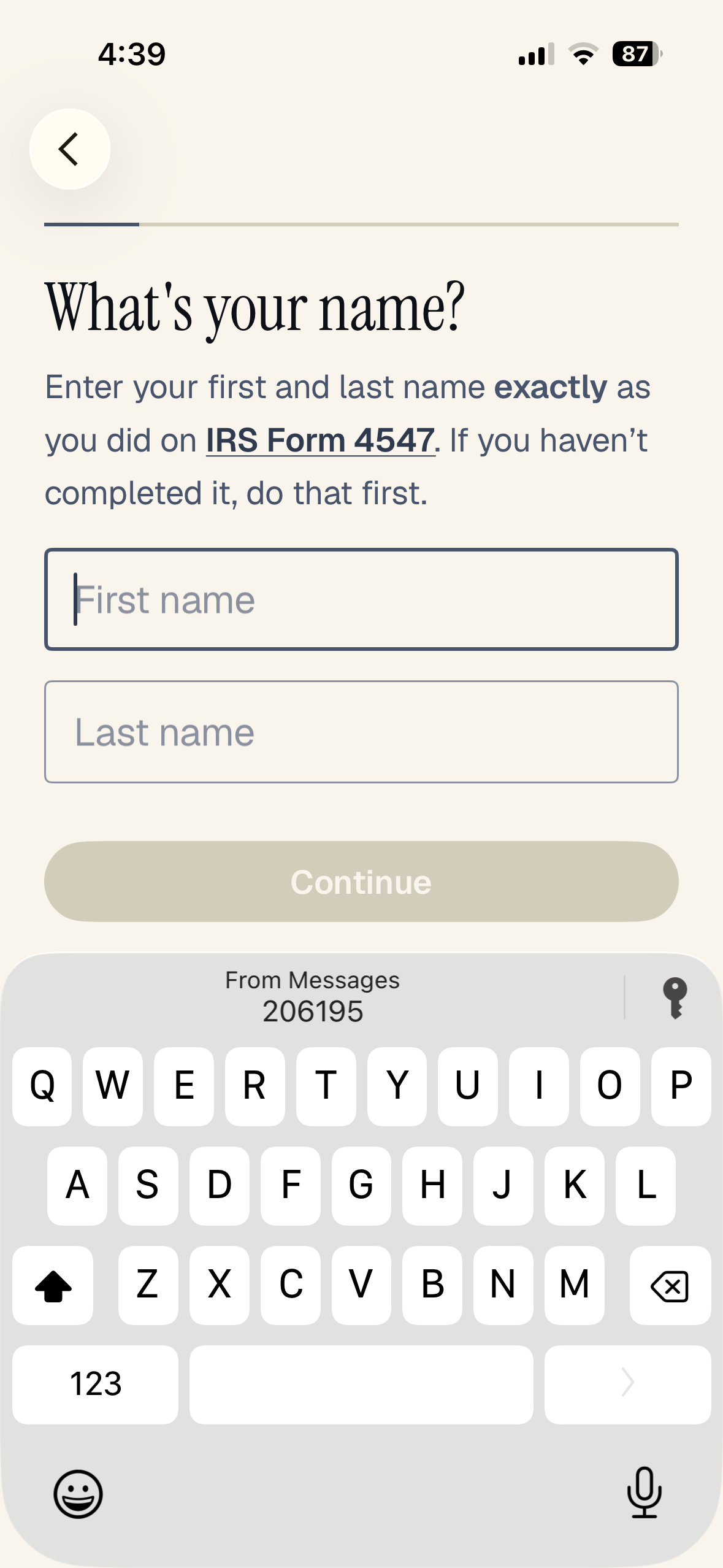
You might think that at this point you should enter your name, but that’s not actually the case. To go any further, you need to fill out IRS Form 4547. Don’t worry, though, you can do that right in the app, too. Use the link that says “IRS Form 4547.”
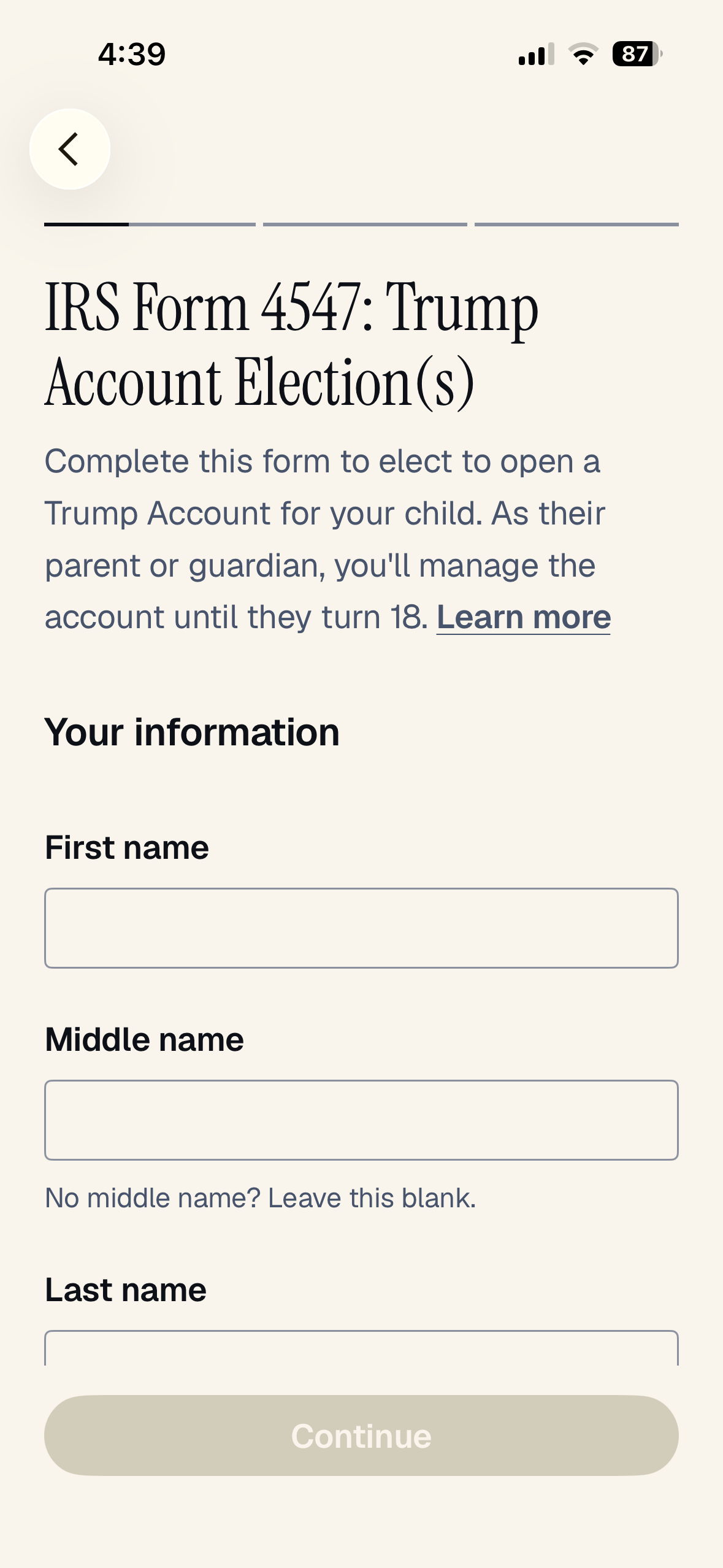
Now, put your name and other info in there.
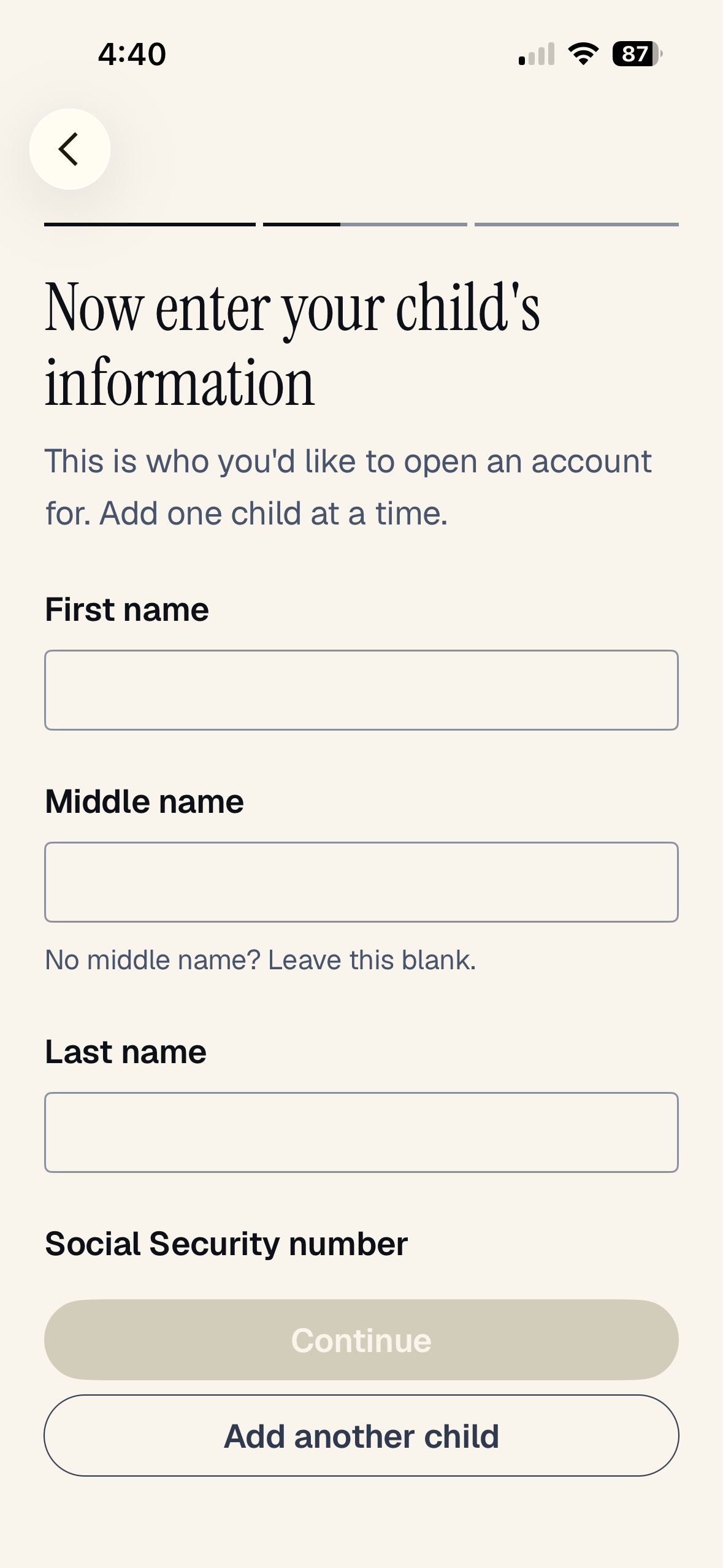
Then, you need to put your kid’s info in there. You’ll need their date of birth and Social Security number. If you have more than one minor child, hit the “Add another child” button and do it again. Otherwise, just hit “Continue.”
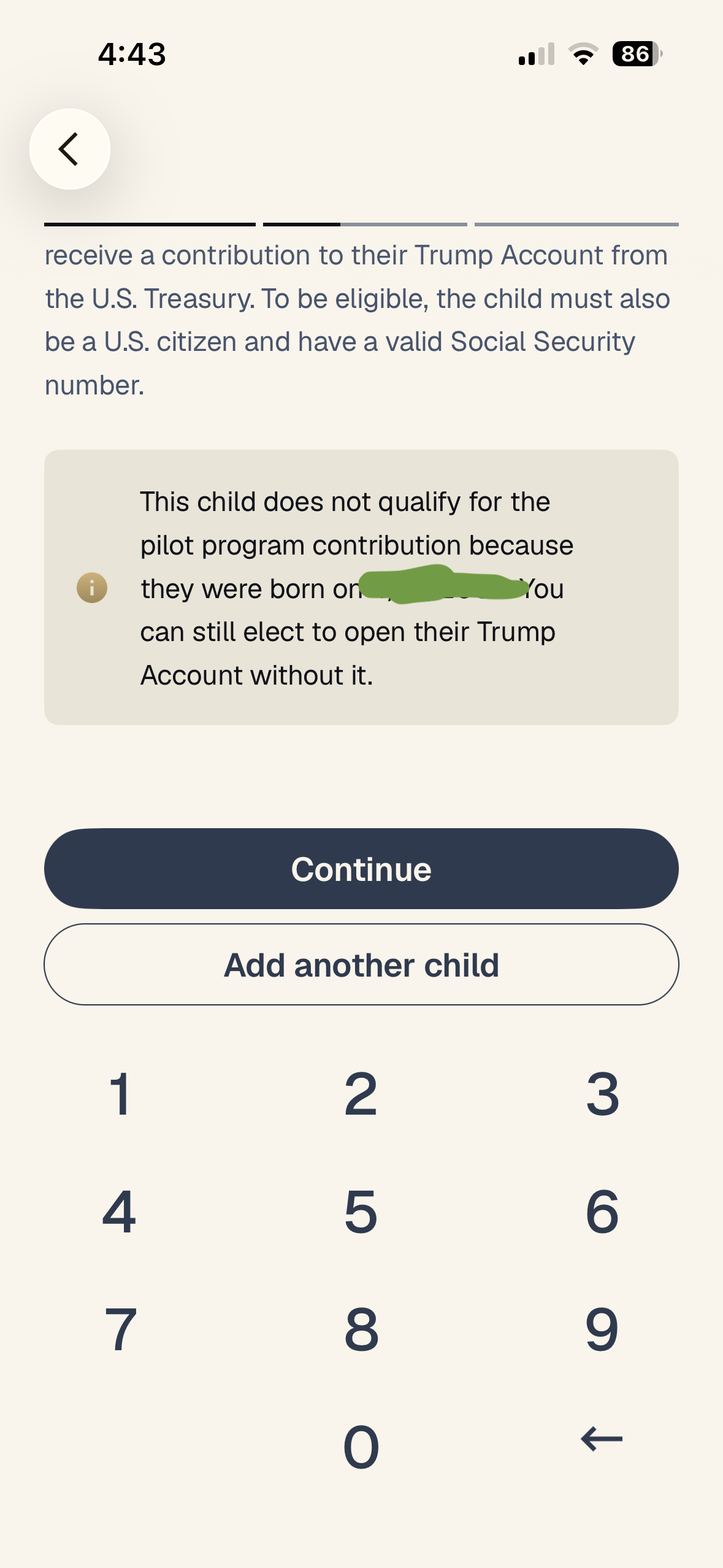
The app used the date of birth to figure out my kids aren’t eligible for the “pilot program contribution” (free $1,000 baby bonus).
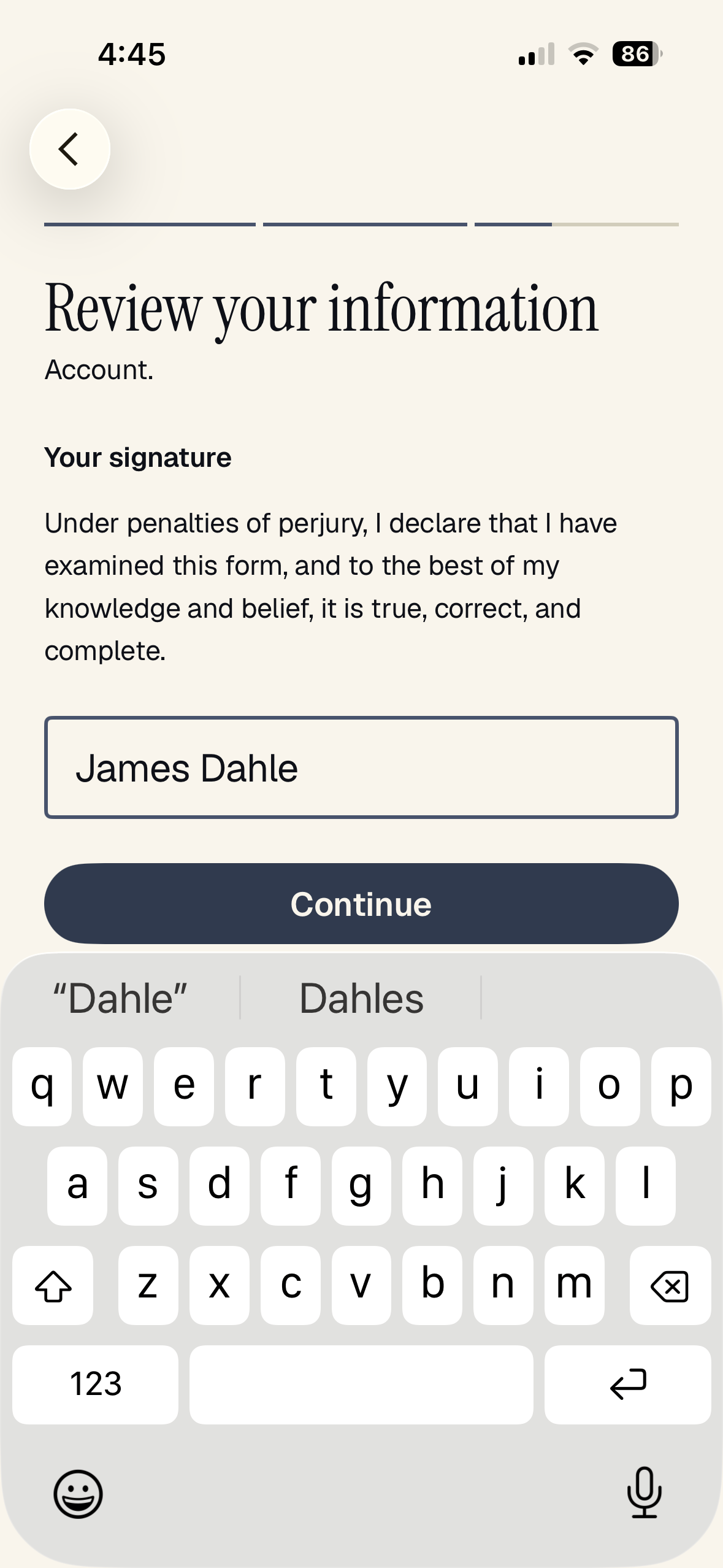
You get a chance to review your info. Then click “Continue” and continue with Form 4547. Get it? The 45th and the 47th president. 4547. Good stuff, right? So clever.
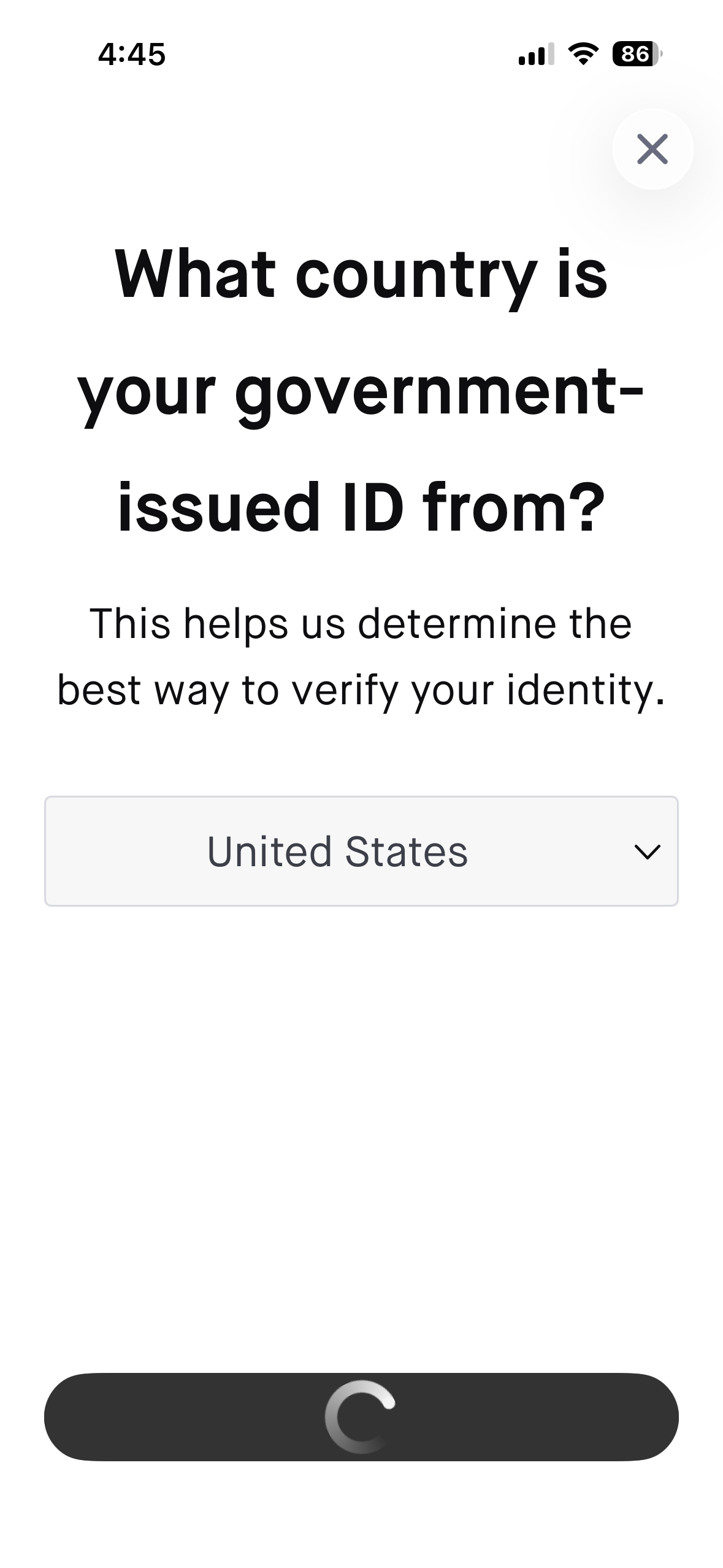
Now, you have to verify your identity. First, you have to upload a copy of your driver’s license or passport. Then, you have to take some pictures of your face. The app hung up on me at some point in this process. So, after a minute or two, I hit the back button, and it worked fine the second time.
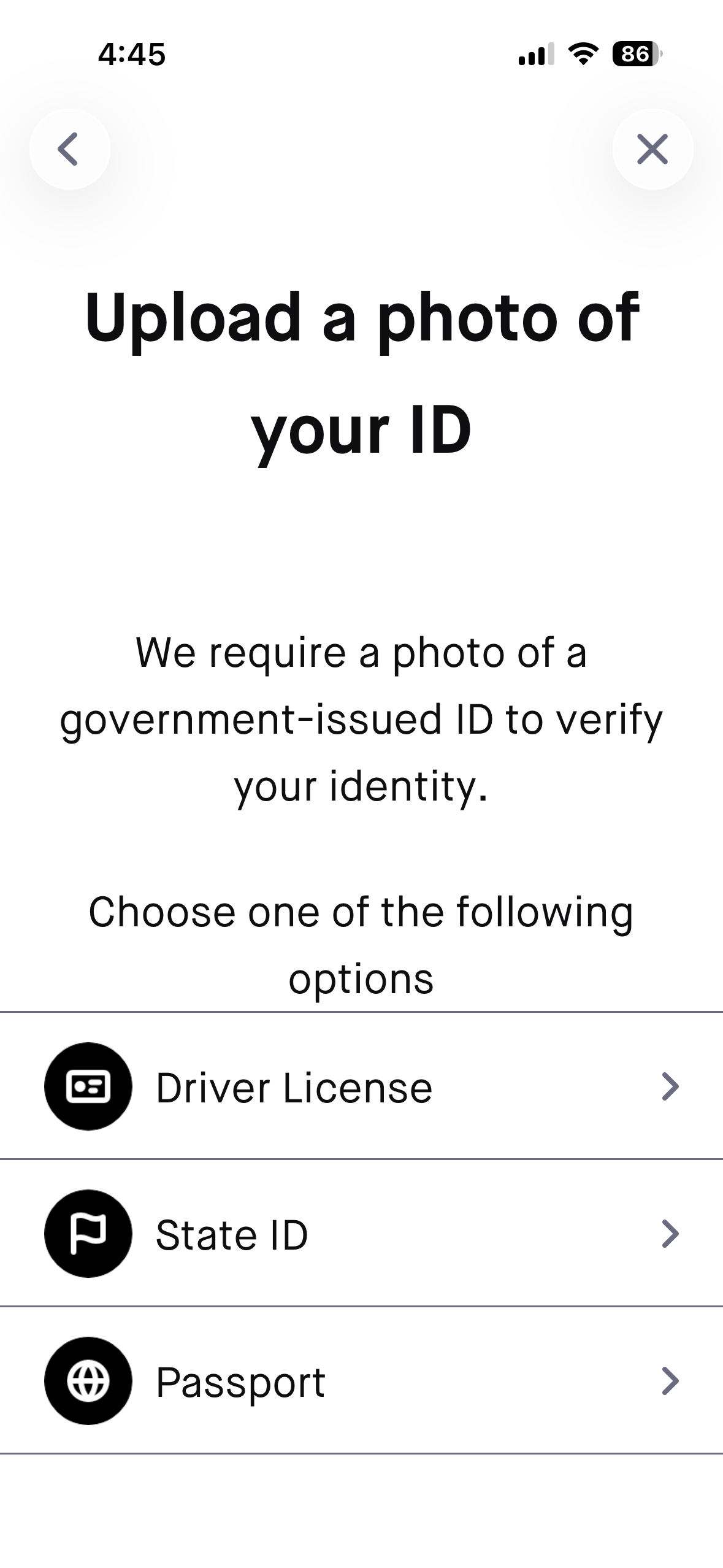
Pretty straightforward.
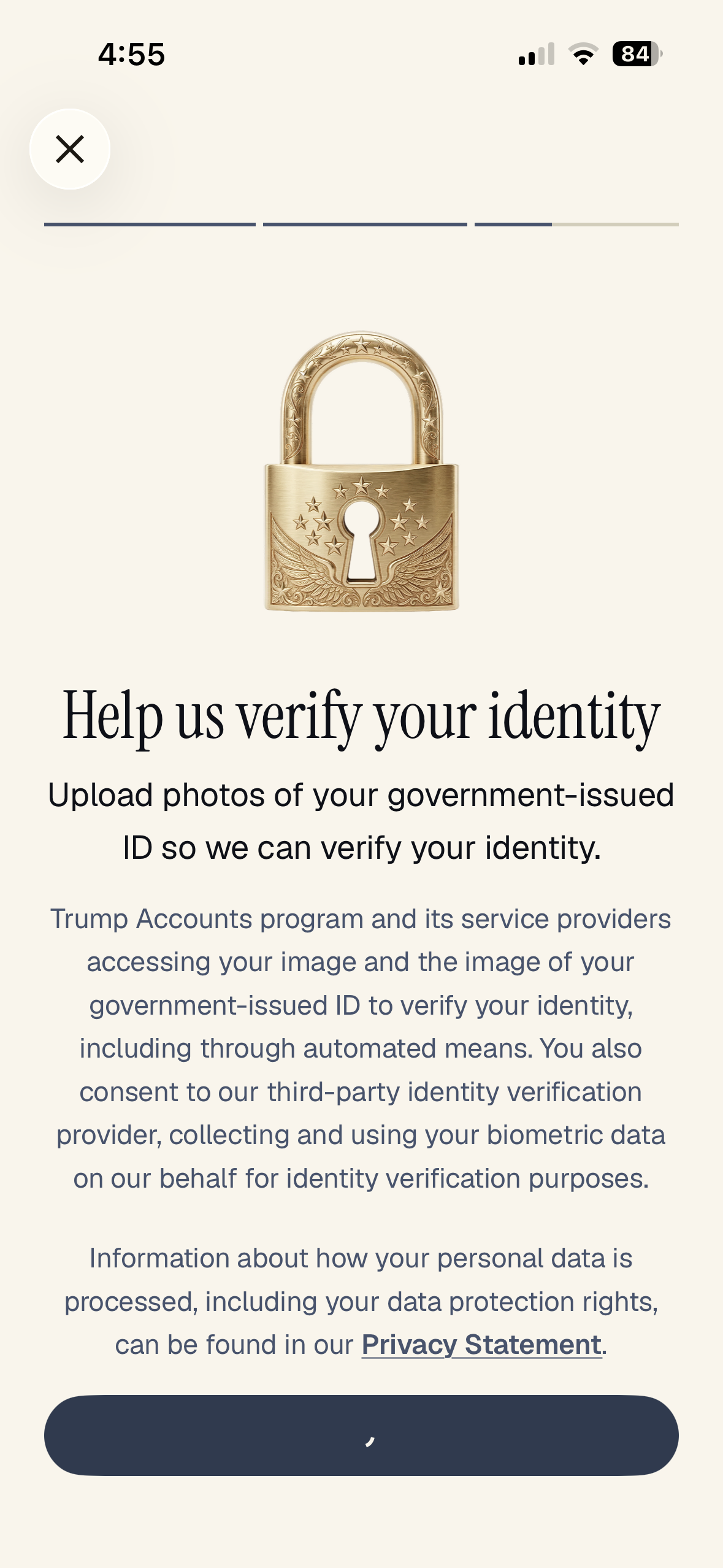
So far, so good. At this point, it asked me to take pictures of my face, looking straight, left, and right. I didn’t bother with those screenshots. I did have to do it twice. I’m not sure why.
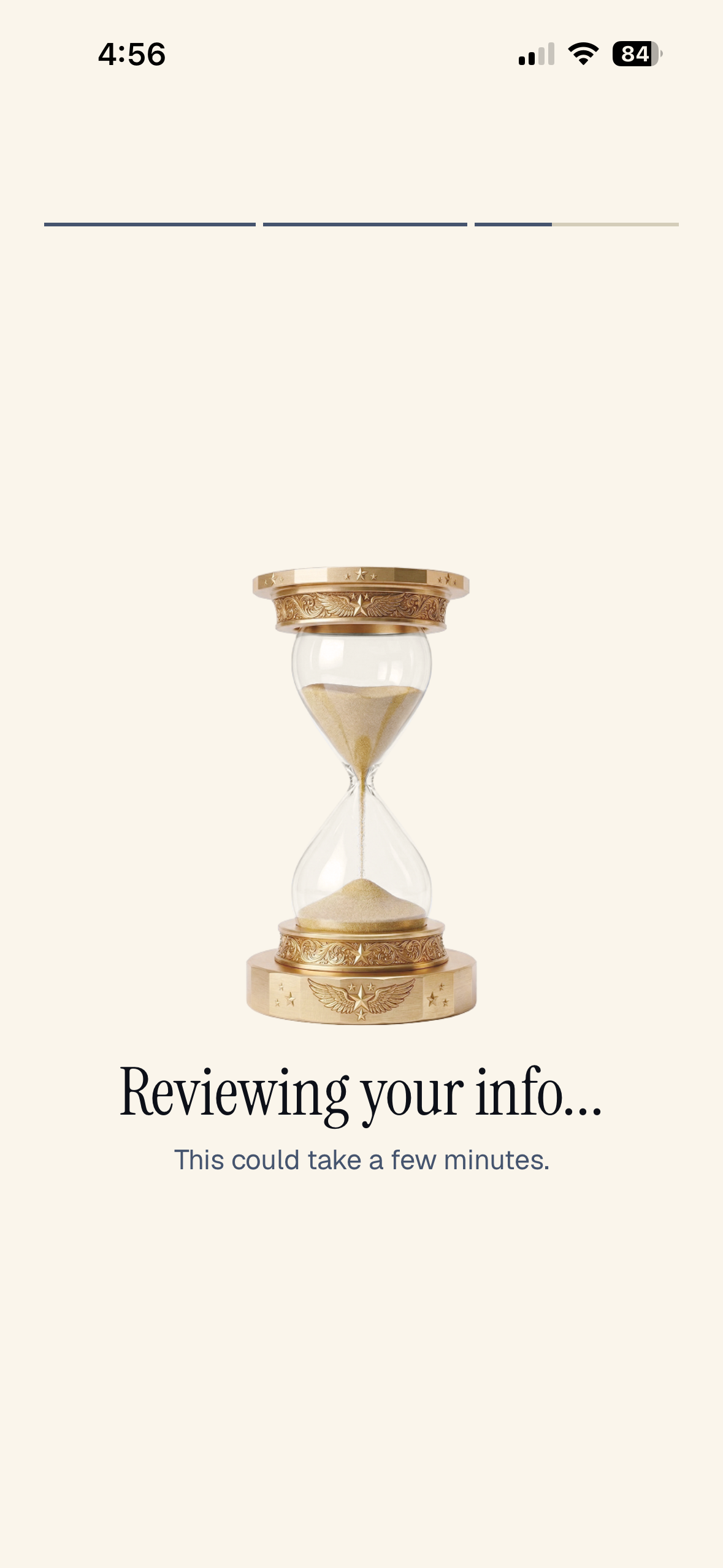
This only took a few seconds.
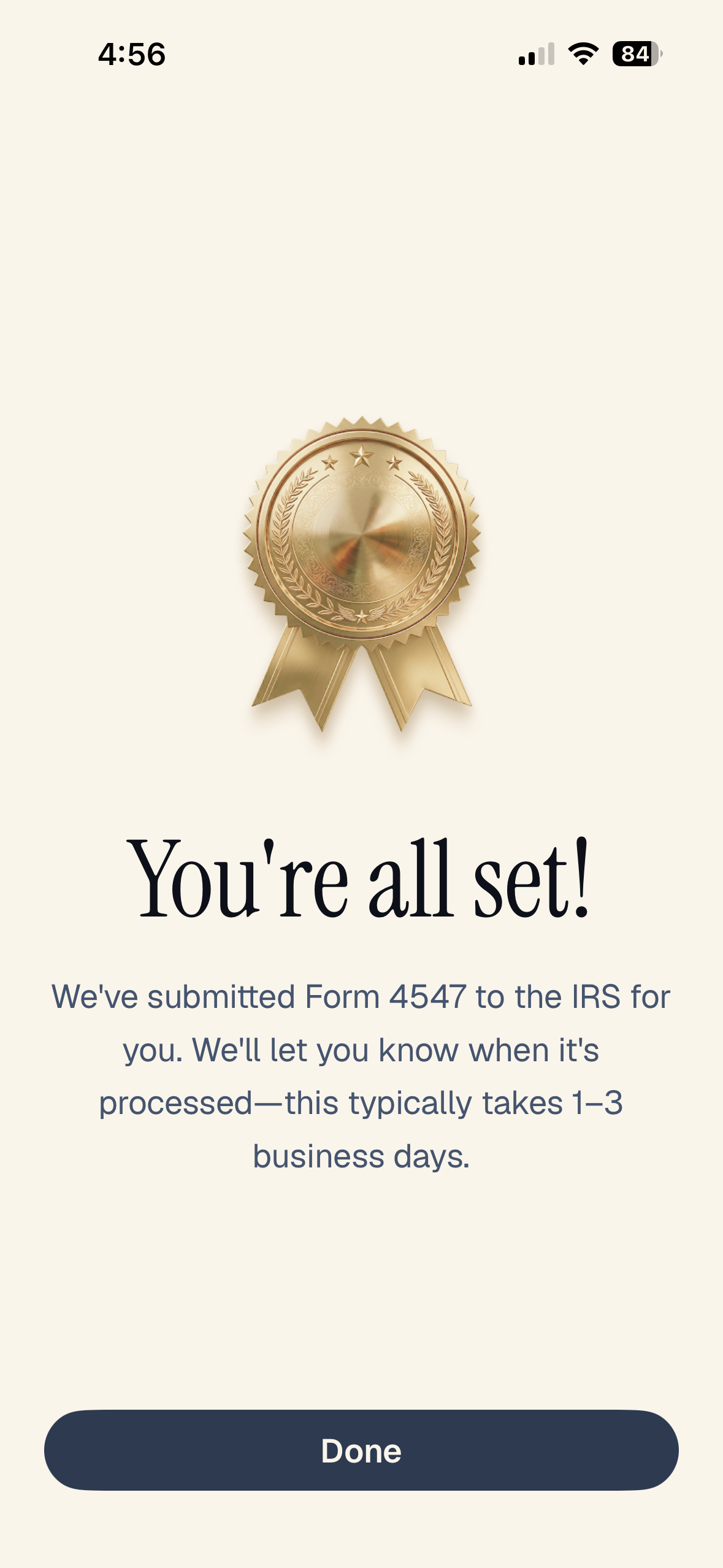
It did not take 1-3 business days to move on to the next step.
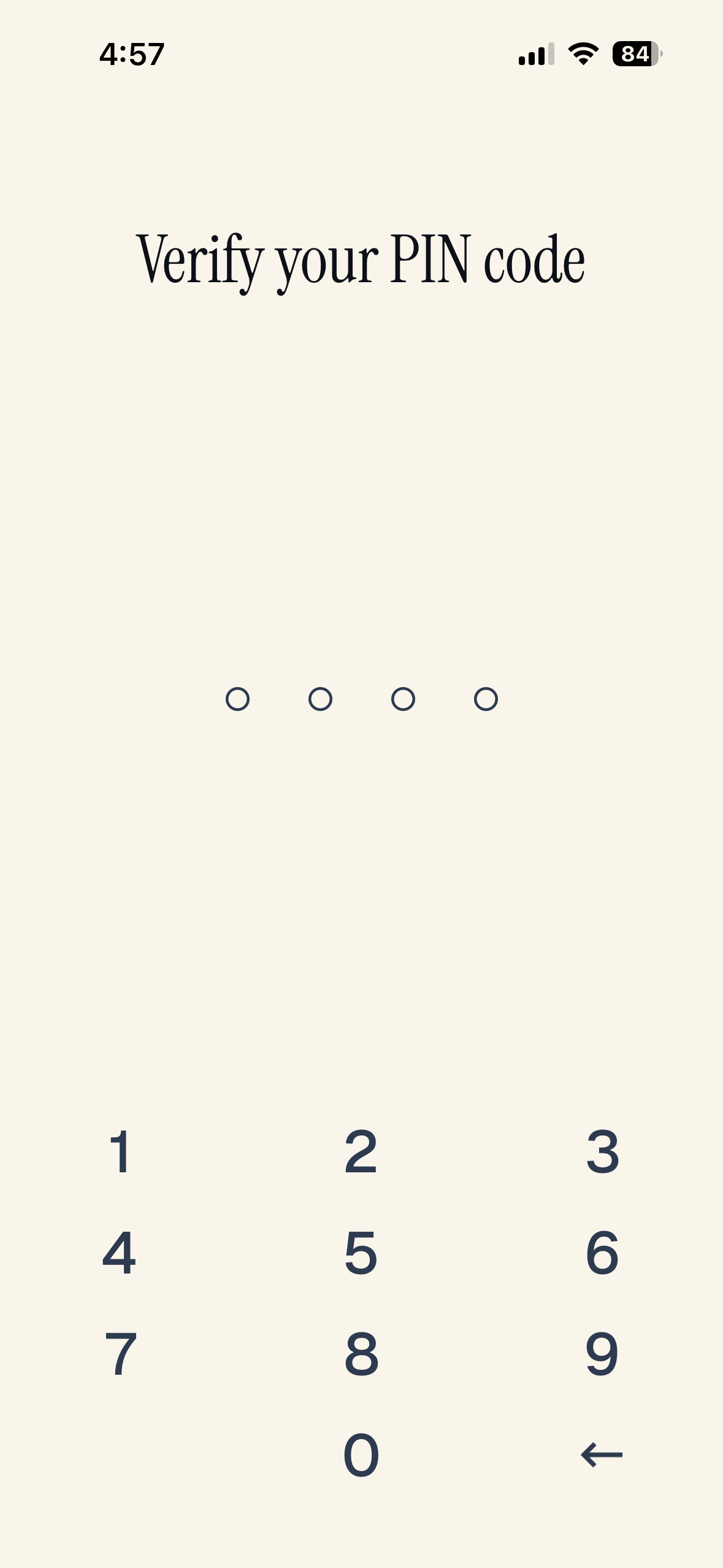
I saw this screen a lot during the process. Every time I left the app to look at a text or whatever, I had to put in my iPhone code to get back into the app. Just FYI.
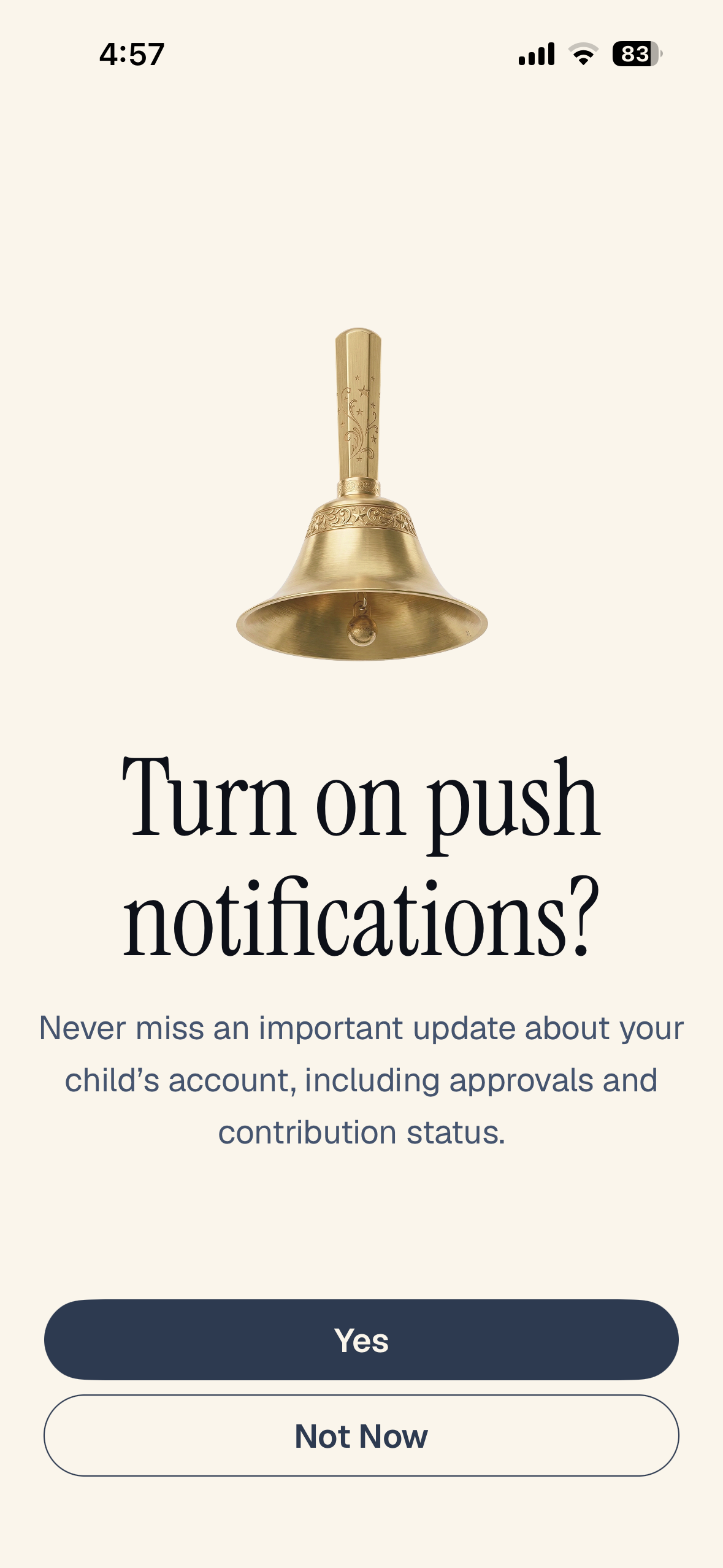
Either option is fine.
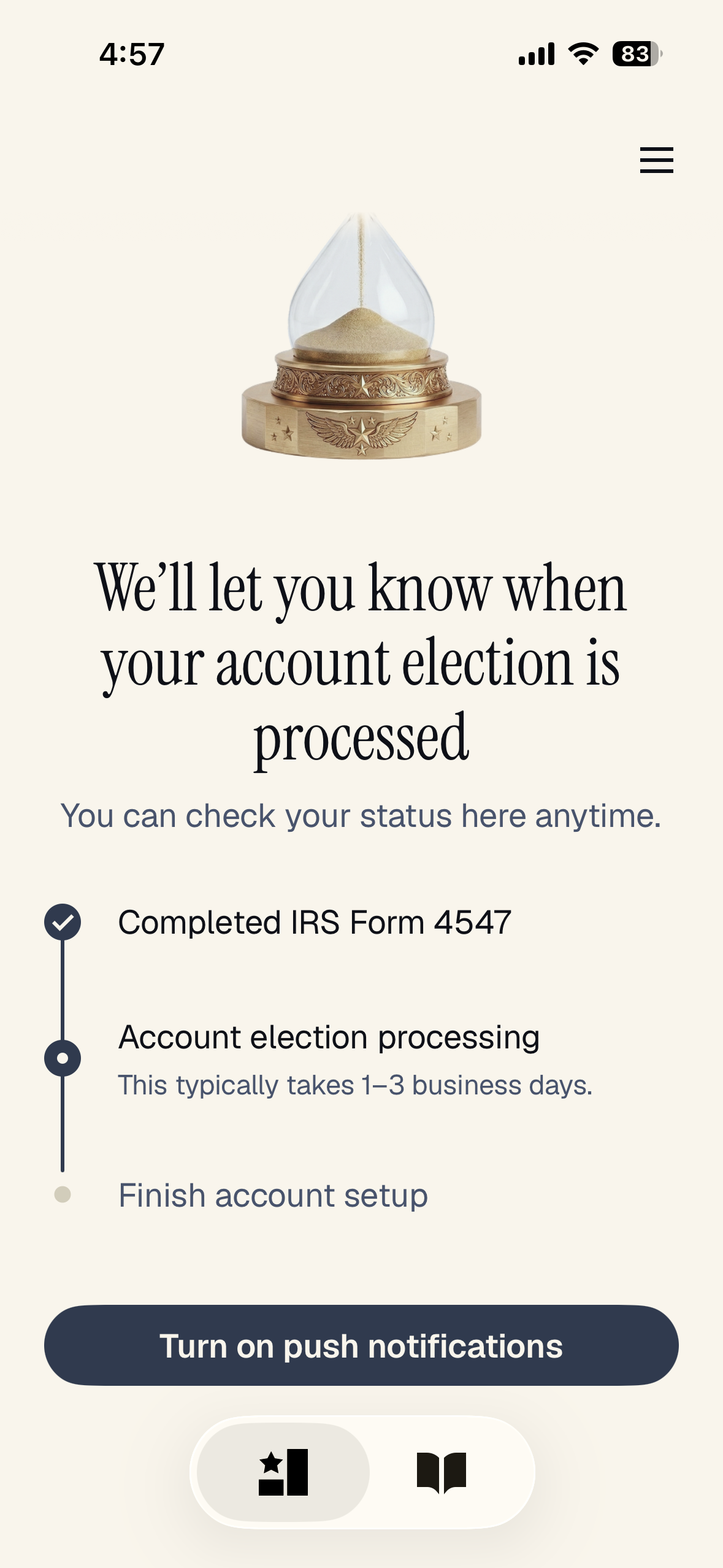
This didn’t take 1-3 days. A few minutes was all.
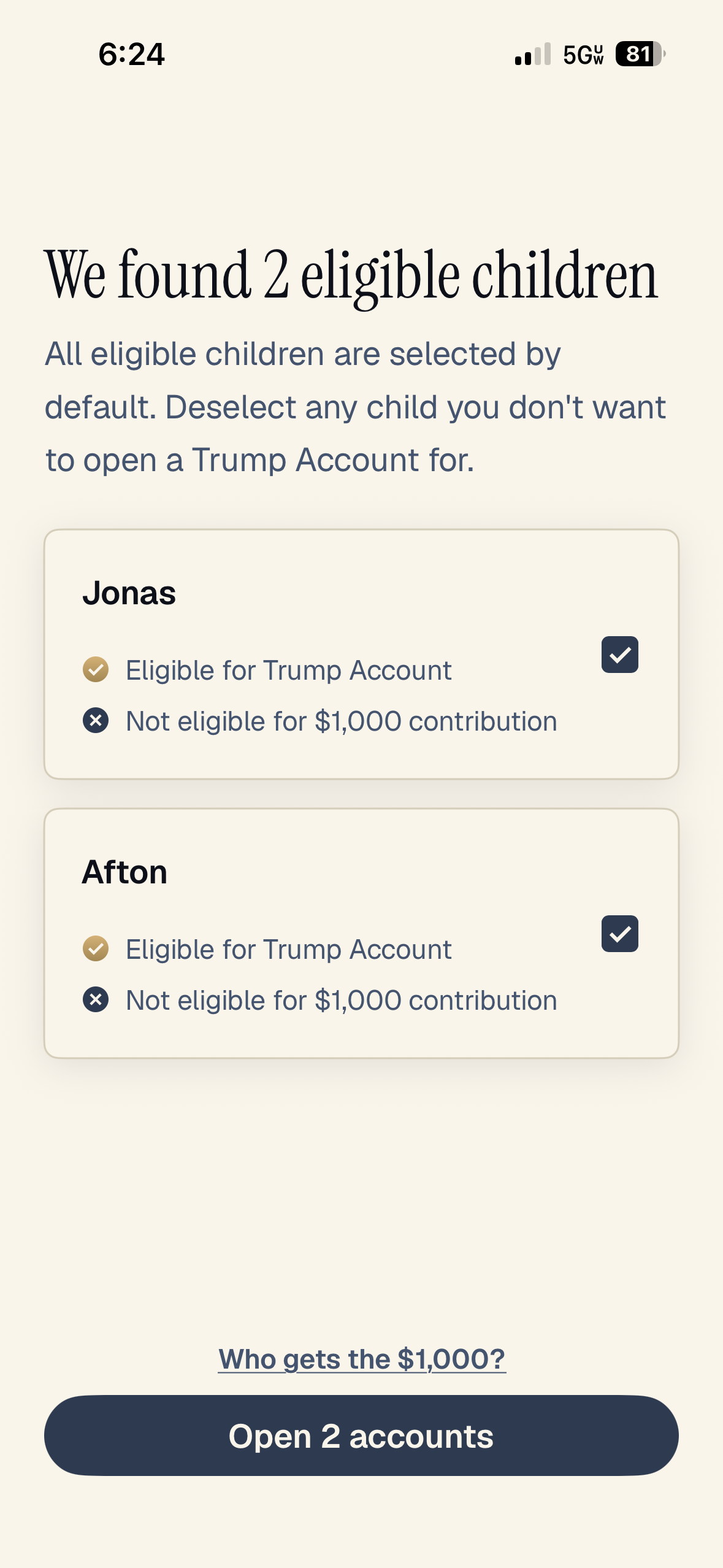
I think it might have sent an email notification when this screen was ready. The app counted the kids on my 4547 pretty well.
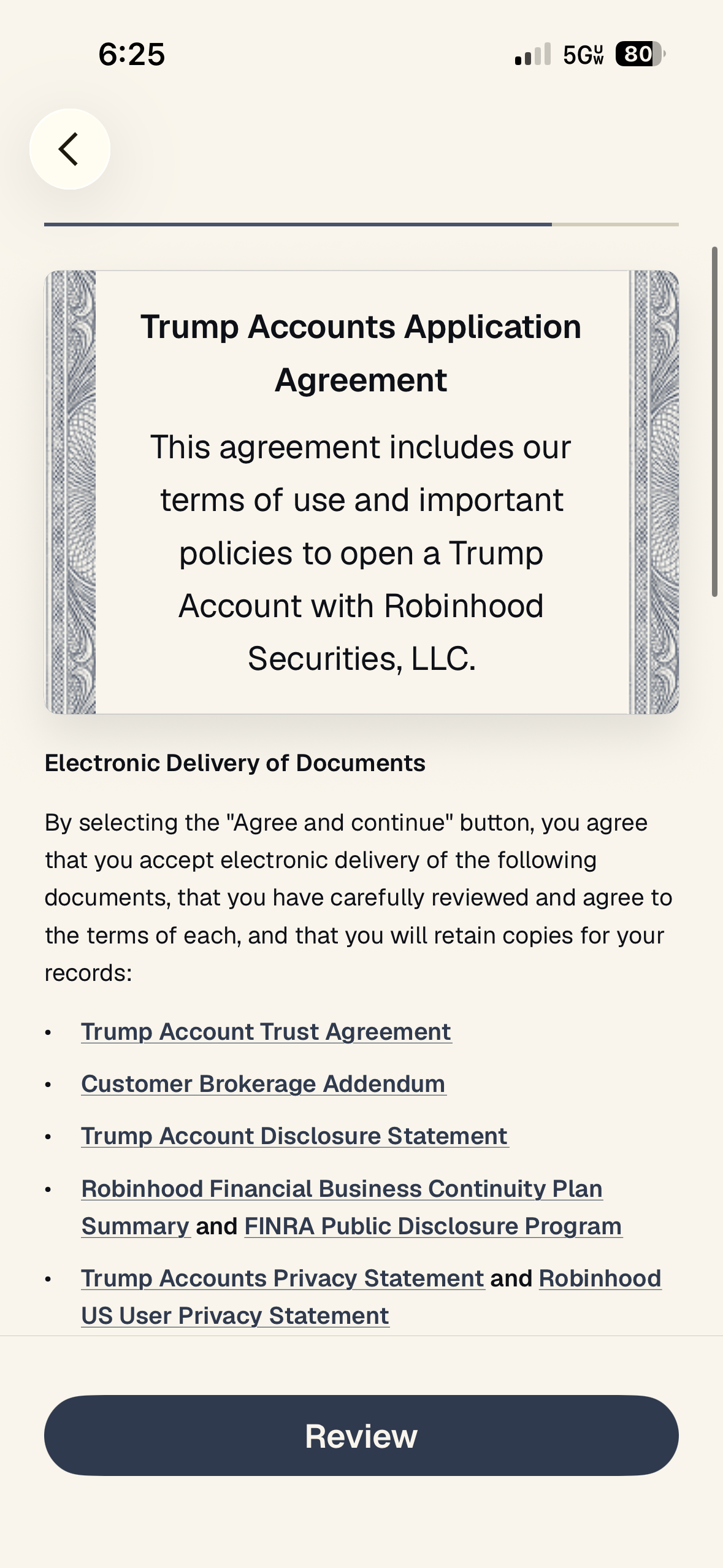
I confess I didn’t read all of these like I should have. But clearly your 530As will be at Robinhood for a while. I suspect we’ll be moving one of them into my son’s Roth IRA at Vanguard next spring when he turns 18, though. There probably won’t be all that much in gains by then, so it won’t hurt my feelings too much to pay the kiddie tax on those.
It only took a few seconds, but it was long enough to get a screenshot.
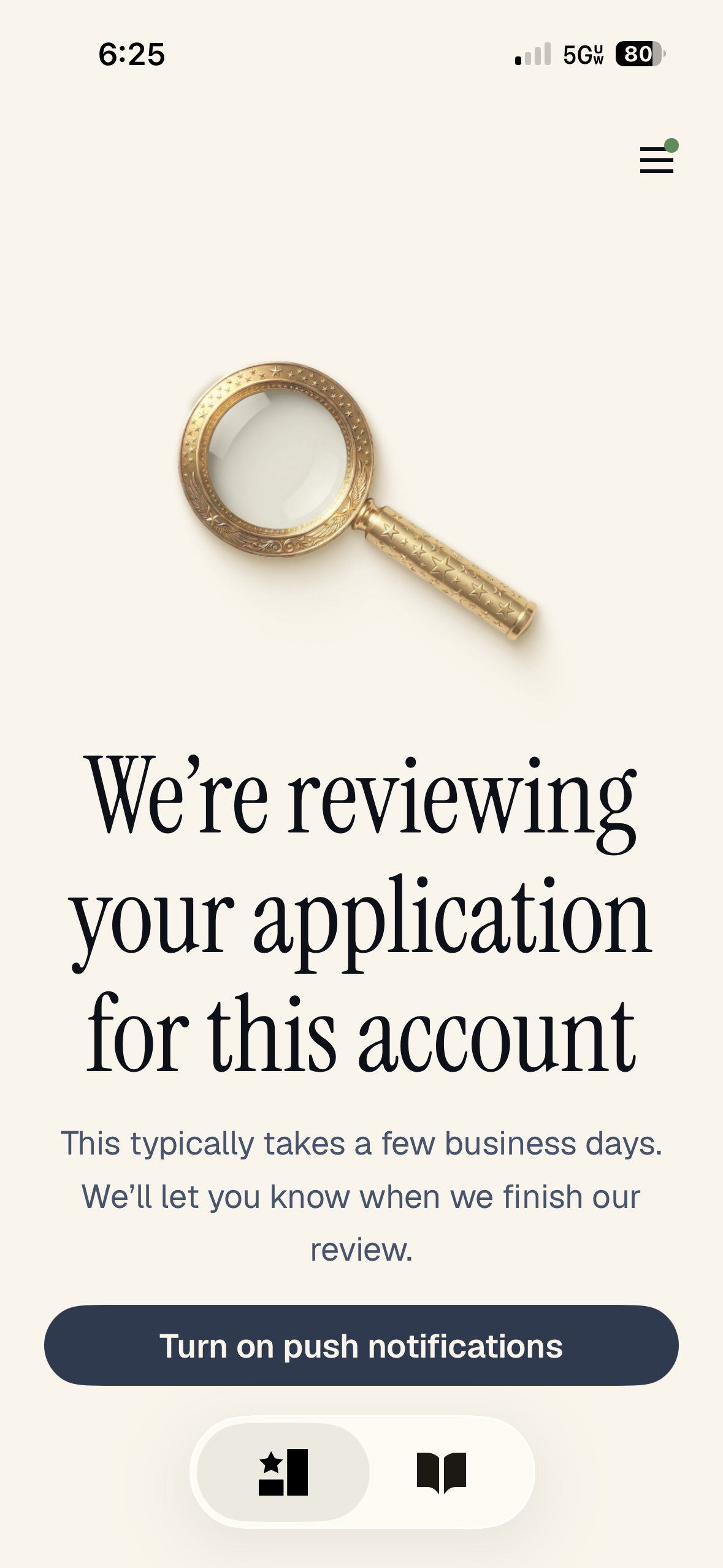
This didn’t take a few business days. Just a few minutes, as I recall, but I was distracted with other stuff at the time.

Now, it’s time to fund the account. I chose to link my bank account. It did not take 4-5 business days. It uses Plaid to link to your bank account, and it worked very quickly with my USAA checking account. I just entered the usual details, and within a few minutes, I had transferred $5,000 into one account. Funding the second account only took a few seconds more.
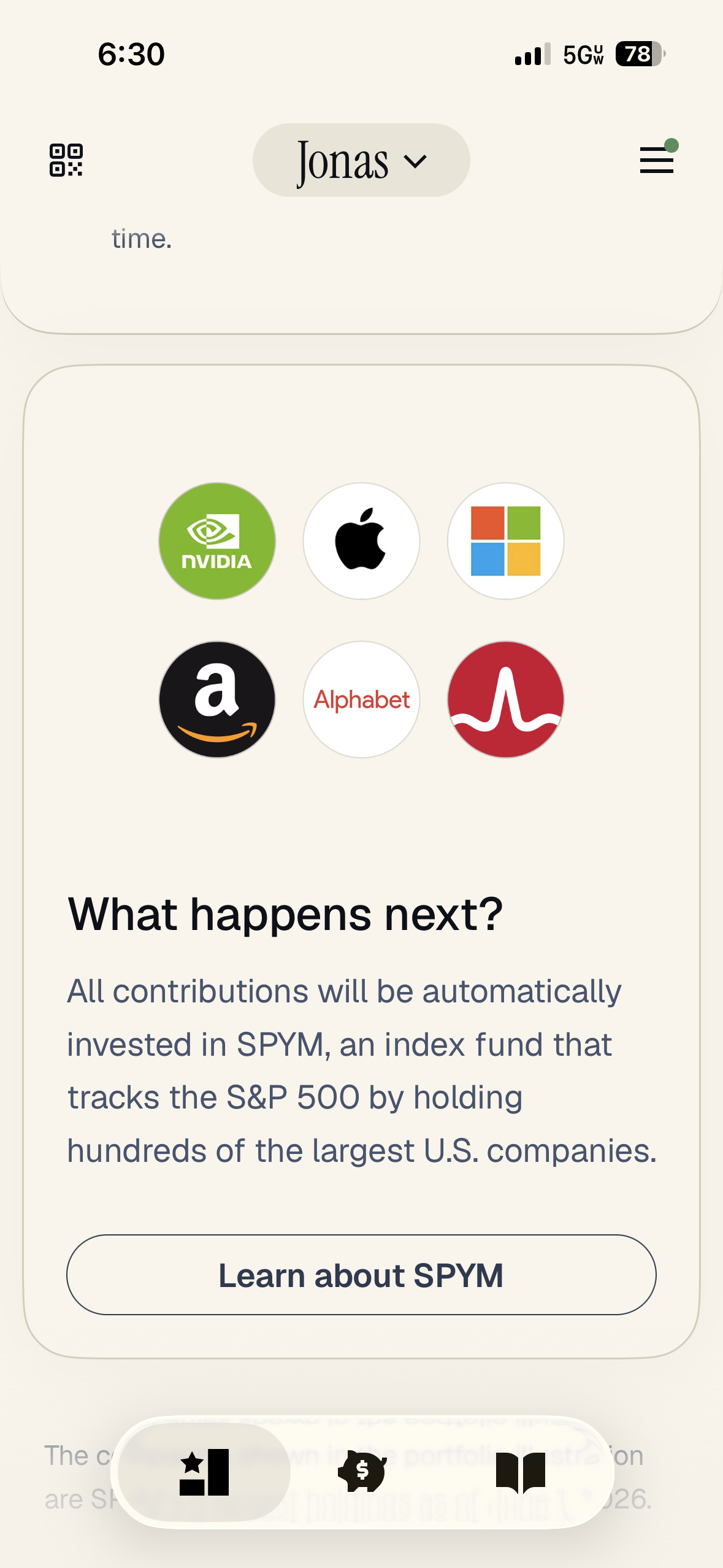
This is pretty much the last screen. SPYM is the State Street 500 Index ETF, and it charges 2 basis points. Overall, I bet this little tutorial includes screenshots from about half the screens. The other half are even more self-explanatory. This was all pretty easy to do. I spent about 15 minutes doing it over the course of two hours. WCIers are going to screw this up a whole lot less often than they do their Backdoor Roth IRAs each year.
Plenty of things about 530A accounts make me shake my head, but I think the government really did a nice job building the app, so kudos to the team that did that.
Are you going to use 530A accounts for your children? Why or why not? Was completing the process easy for you? Did you run into any issues?
Did you find this article helpful? Share it!